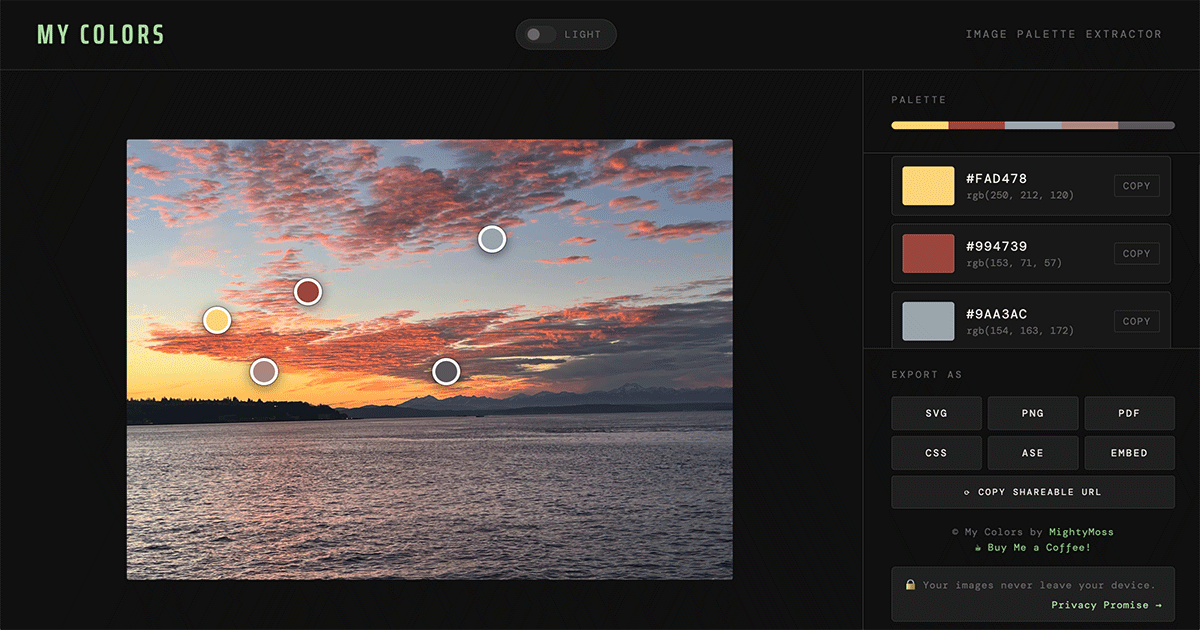
Image Palette Extractor
My Colors
Upload any photo and instantly extract a 5-color palette. Drag pins to sample exact colors, then export as SVG, PNG, PDF, CSS, ASE, or embeddable widget. Free, private, no sign-up required.
Open tool
Flatbed Scanner Glitch Simulator
My Scanner
MY SCANNER is a free, browser-based scanner glitch effect tool. Drag, zoom, and add noise to simulate flatbed scanner distortion art — 100% client-side, no uploads, no account.
Open tool
Pattern Design Studio
My Halftone
Turn any photo into a halftone dot pattern and repeating tile, right in your browser. Adjust grid type, dot shape, screen angle, and symmetry, then export as PNG or SVG.
Open tool